in your words.
Write a little. Reflect a lot.
A beautiful, private journal for the moments that matter. Write freely, keep the details, and discover the connections between your days.
 Try And Then for MacSend me the Mac link
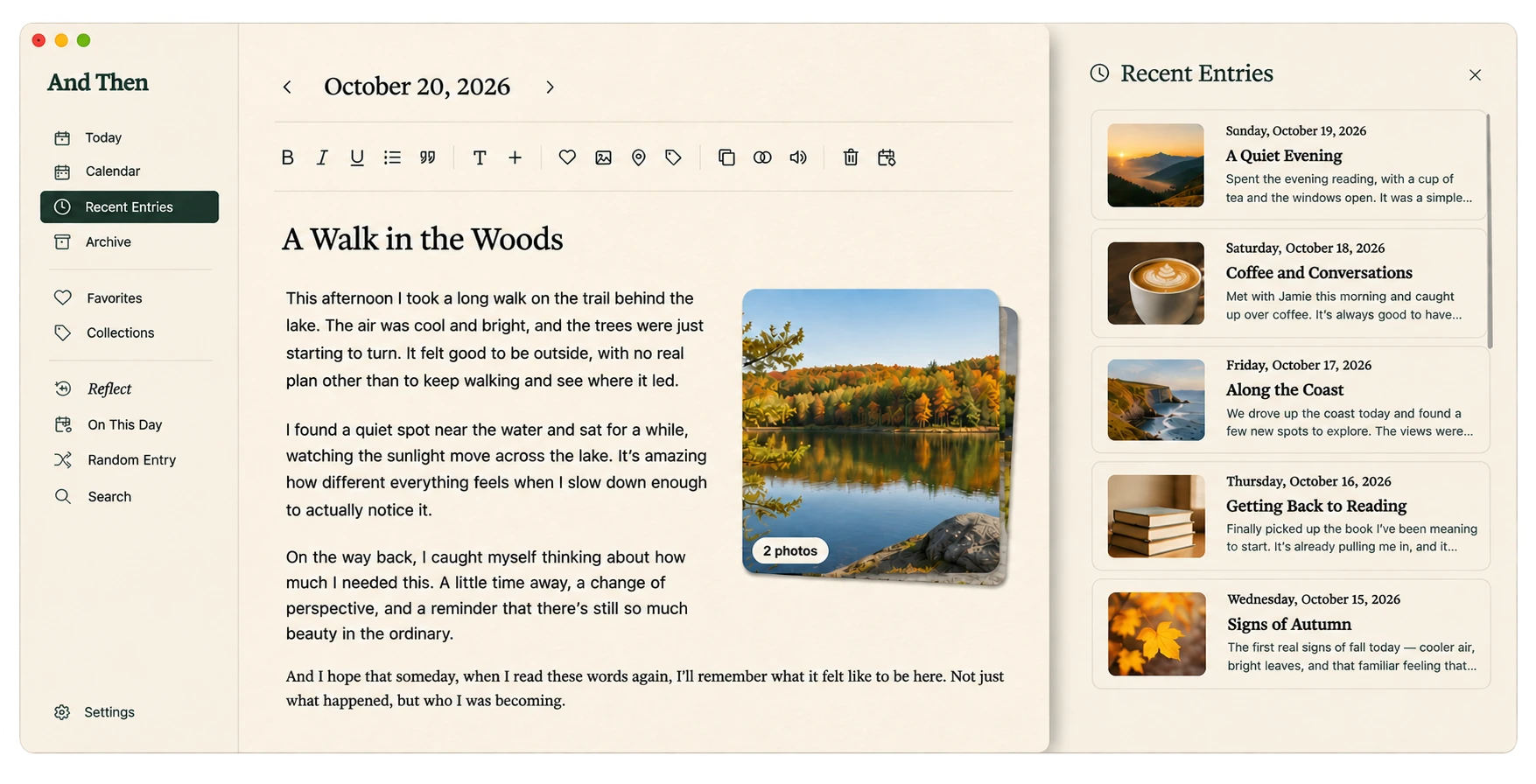
A new chapter
Your memories deserve to come along.
Your story didn't begin today. Import your Day One journal into And Then on your Mac, then keep writing in a place designed to help you remember, reflect, and rediscover.
No subscription, ever.
See how And Then compares
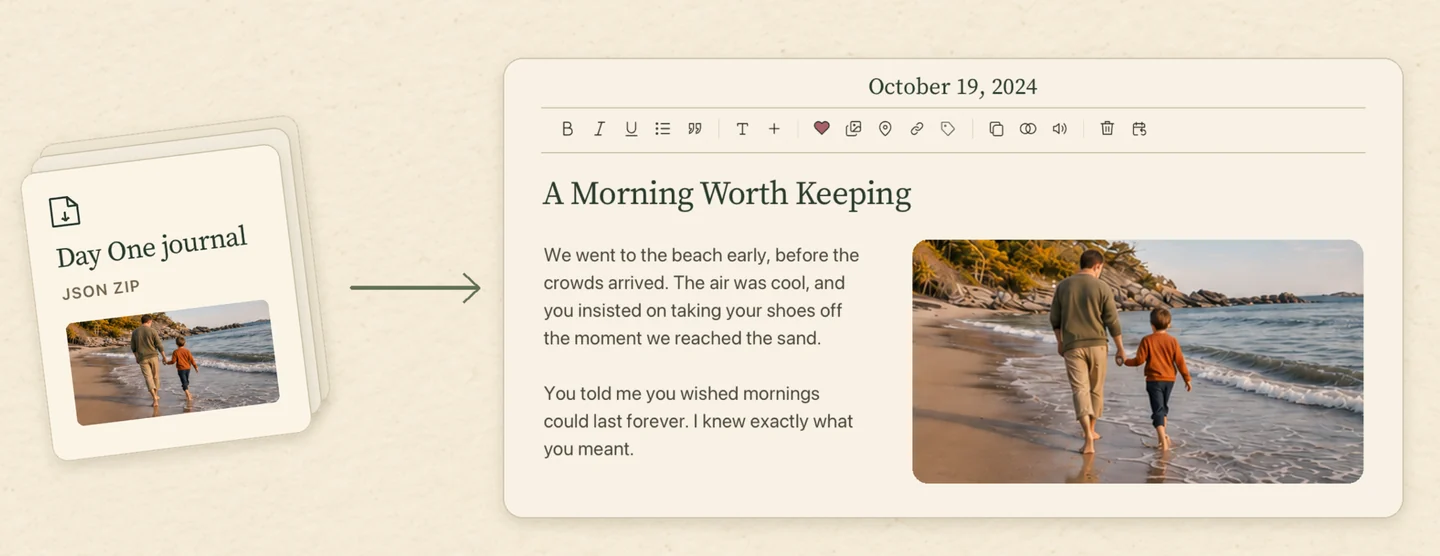
Your story, without starting over.
In Day One for Mac, choose File → Export → JSON to export all journals, or Control-click a journal and choose Export → JSON to export just that journal. Include media, let original photos finish downloading, and keep the exported JSON ZIP intact.
In And Then on Mac, open Settings → Backup & Restore → Migrate From Day One and select Choose Export File to open the ZIP. Review eligible entries, available originals, and warnings before selecting Import Entries. The report shows what was imported, skipped, or needs attention.
The importer accepts Day One JSON inside a ZIP. PDF, plain text, CSV, and loose JSON exports use other formats. For large journals, export smaller groups to stay within 1 GiB per archive, including its expanded contents, and 10,000 entries per import.
Keep the dates and details.
Supported Markdown entries retain their writing and original timestamps. The importer uses the source time zone when available to recover the journal date, and keeps entries written on the same day separate. It carries over a supported single-line title when the export includes one, along with Favorites and supported Places.
And Then groups imported entries in one Collection per source journal. Day One tags stay with the imported source information for reference. Compatible original photos can appear in imported entries. The import report identifies missing originals, thumbnail-only files, and unsupported media.
Source JSON and supplied files are retained locally. Video, audio, other unsupported files, and extra rich-text metadata remain in that source archive for reference. Entries that only contain an unsupported rich-text format are reported separately.
Import a copy on your Mac.
Your Day One journal and export stay intact. Keep the original journal, ZIP, and backups until you have checked entry dates, photos, and Collections in And Then. If an original photo is missing, download it in Day One and make a new export with media included.
A quieter place to keep writing.
Write without distraction and keep your journal in your own folder on your Mac. Collections bring related entries together. Optional On-device Intelligence lets you find memories with Smart Search and revisit themes with Reflect .
See how And Then compares with Day OneStart for free.
Every day has a story.
Don't limit yourself to day one when there are so many days ahead.
NO SUBSCRIPTION, EVER.
Try your first 10 entries for free.
Unlock unlimited entries when you're ready.
Download for MacSend me the Mac linkOptional On-device Intelligence requires macOS 26+.